

Your film, in one place you own.
Write the script. Plan your people and places. Frame every shot, then track every take and every dollar, from any tool.
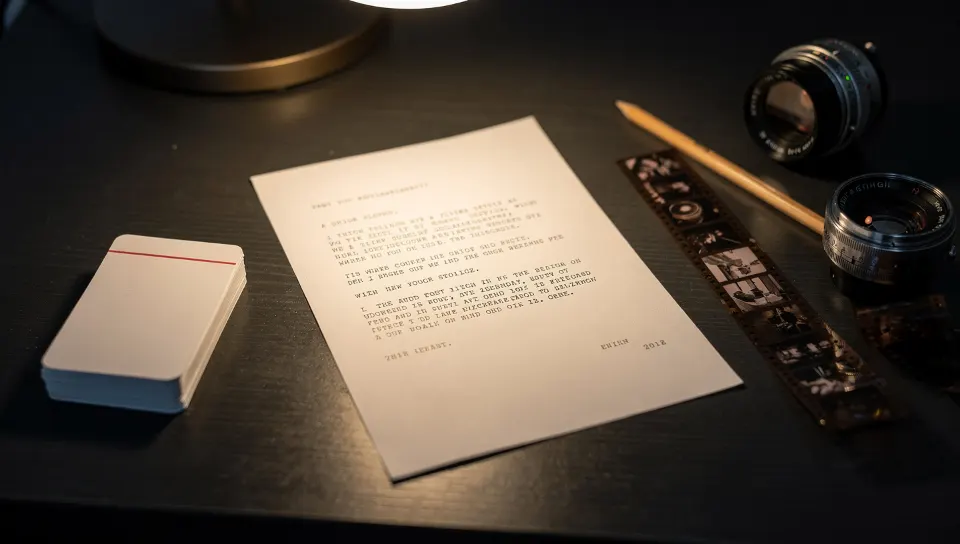
Six rooms, one film
One record per shot
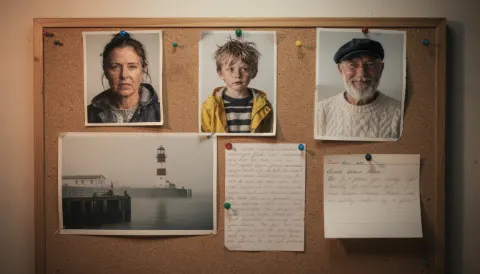
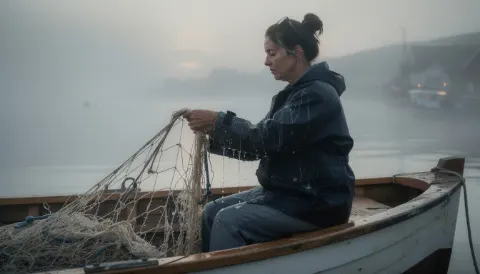
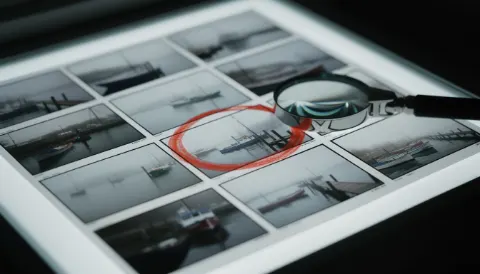
See what a lens does before you spend a credit.
Shot sizes, angles, movement, lenses from 18 to 135mm, and light, shown on the same scene. Pick, and SEEN writes a camera prompt any video tool understands.
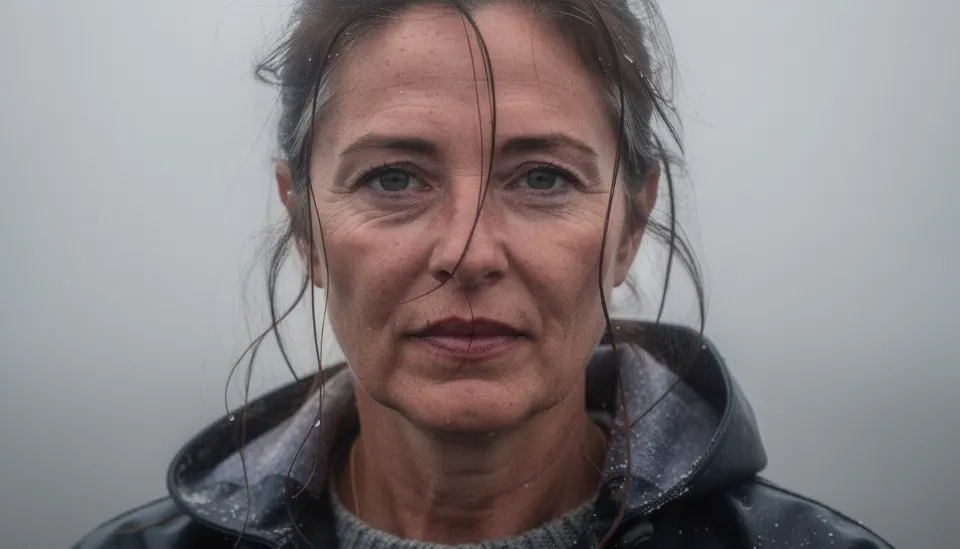
Build the set. Place the camera. Take the picture.
A simple 3D set in your browser: put your people and props on the floor, choose a real lens and the light, and every picture becomes a storyboard frame.
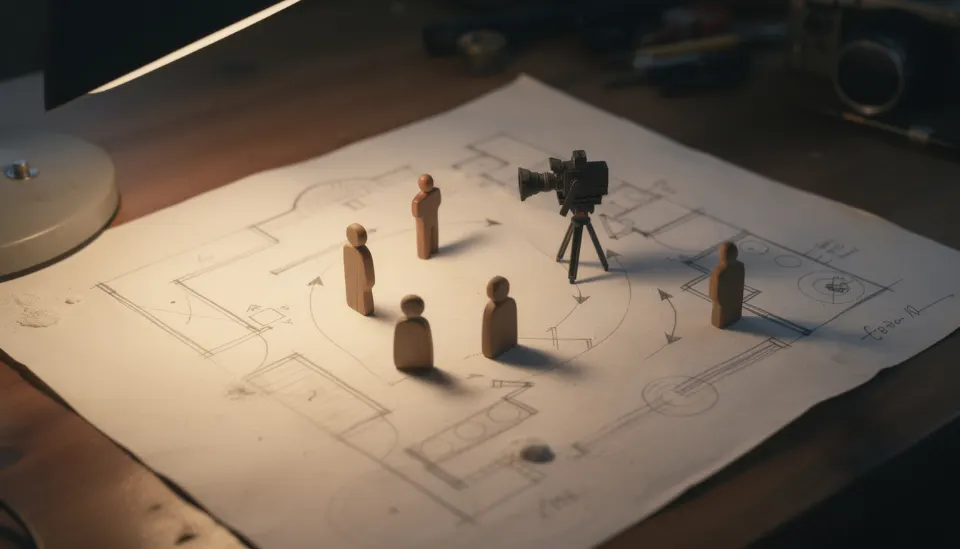
Free templates
All templates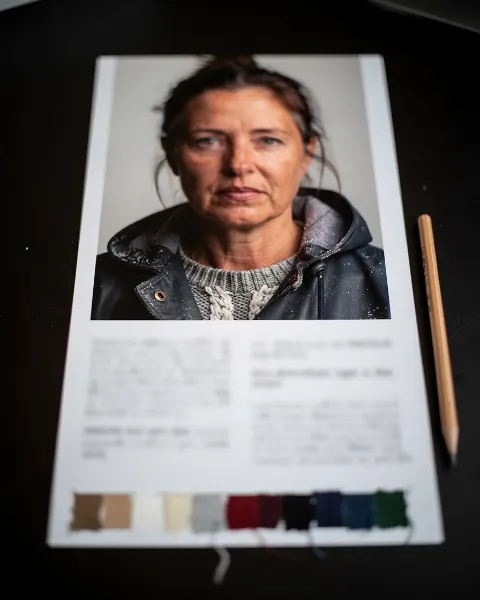
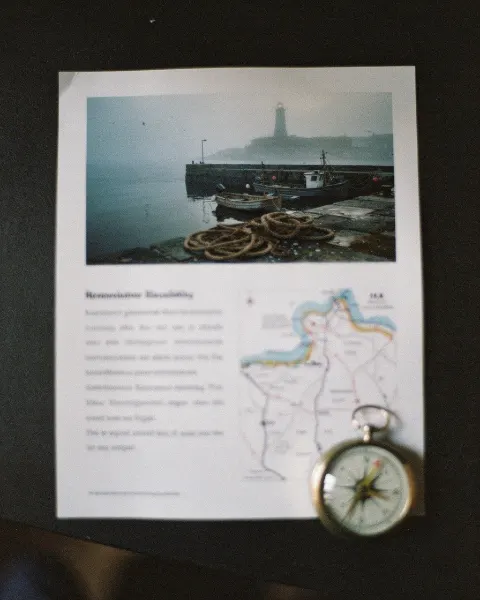
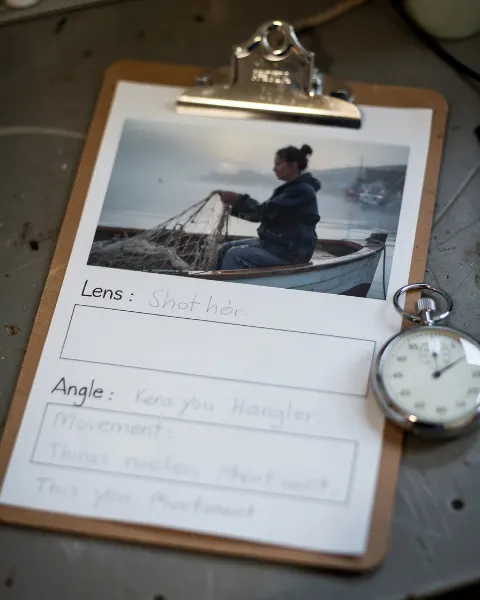
Guides
All guides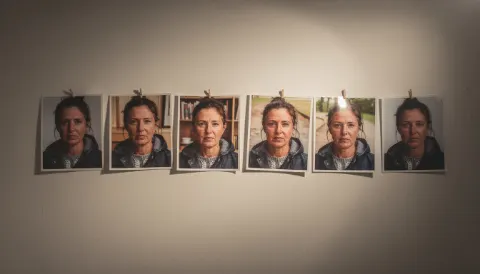 How to Keep AI Characters Consistent Across Shots7 min read
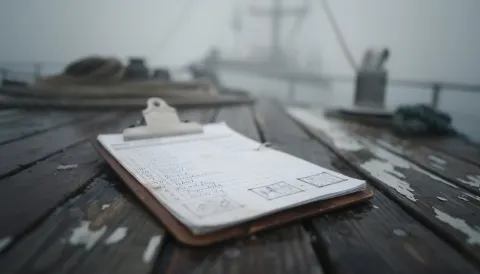 How to Make a Shot List for Your Film6 min read
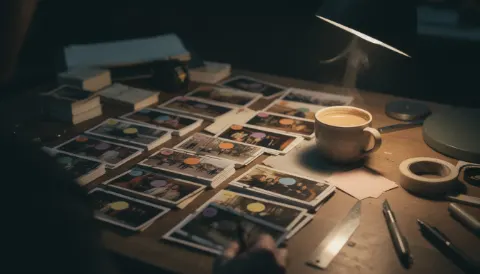 Why You Should Log Every AI Video Take5 min read
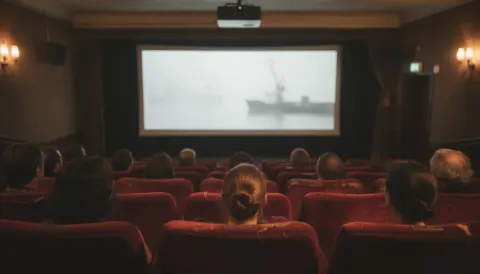 How to Disclose AI Use When You Submit a Film6 min read
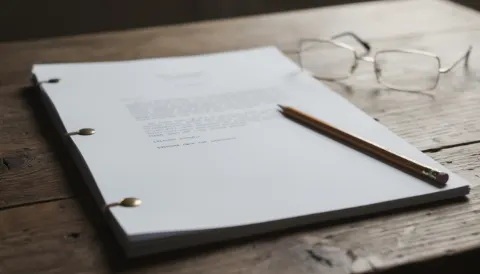 Screenplay Format Basics for New Writers6 min read
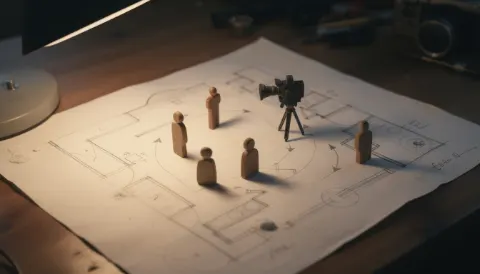 How to Block a Scene: Marks, Eyelines and 180°8 min read
Questions
Is SEEN free? Why?
Yes. SEEN is free to use. It runs in your browser and keeps your work there, so there are no servers storing films and no accounts to pay for. We want more people to make films with a clear plan.
Is SEEN an AI video generator?
No. SEEN does not make pictures or video. It helps you plan, track and organise a film. You make the shots in whatever tool you like, then log the takes in SEEN.
Where is my work saved?
In your own browser, on your own device. Nothing is saved on our side. If you switch browser or device, your work does not follow you unless you move a backup.
How do I back up my film?
Save a .seen file from the app. It holds your whole film. Keep it somewhere safe, such as a cloud folder or a USB drive. To restore, open the .seen file in SEEN.
What happens if I clear my browser data?
Your work is deleted from that browser. Only a .seen backup can bring it back. Save a backup before you clear site data or reset your browser.