
Why You Should Log Every AI Video Take
Every AI shot is the result of many tries. If you only keep the final file, you lose the prompt, the tool and the cost that made it.
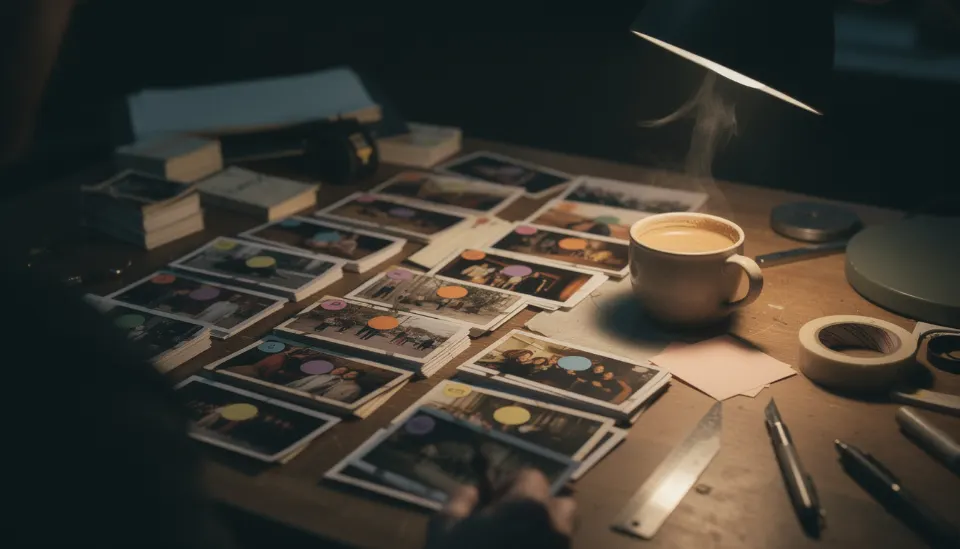
Treat each try as a take
On a set, every attempt at a shot is a take. Do the same with AI tools.
A take is one result from one tool with one prompt.
Save four things per take
Write these down every time, even for bad takes.
- The tool name
- The full prompt
- The reference images used
- The cost or credits spent
Add a short note
Say in a few words what was wrong or right. Hands melted. Fog too thick. Good face, wrong coat.
These notes show you patterns after a few days.
Keep one take per shot
When a take is right, mark it as kept. The others stay in the log but are no longer the answer.
In Low Tide shot 1A, take 4 from one tool might be kept while takes 1 to 3 stay as history.
Lock the shot
Once the kept take is final, lock the shot. Locking tells you and your team to stop changing it.
You can still unlock it later if the story changes.
Use the log later
The log feeds your cost totals in Track. It also gives you the facts you need for a draft disclosure of how the film was made.
Free, in your browser, nothing to install.
Questions
Should I log takes I throw away?
Yes. Bad takes tell you what not to repeat and they still cost money. Logging them keeps your totals honest.
What if I do not know the exact cost of a take?
Write your best estimate and mark it as an estimate. Fix it later if you find the real number.
Does SEEN store the video files?
SEEN keeps the record of each take in your browser. Keep the video files themselves in your own folders and note where they are.