
How to Make a Shot List for Your Film
A shot list tells you every picture you need before you start. With AI tools it also stops you from generating the same shot again and again.
Read the scene for moments
Read the scene and mark each moment where something changes. A look, a line, a new person entering.
Each change is usually a new shot.
Write one line per shot
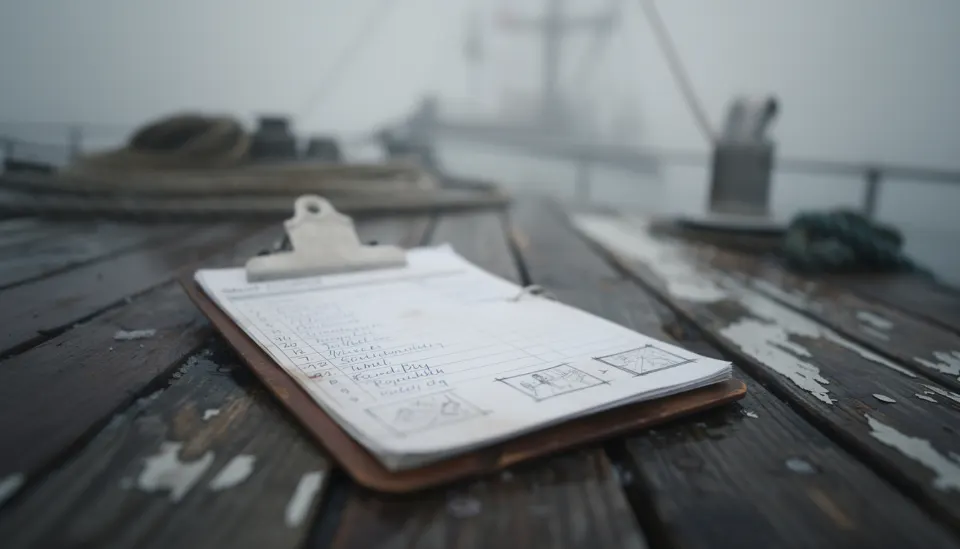
Each shot gets one plain sentence about what we see. Keep the camera details for the next columns.
Example from Low Tide: NORA ties the boat rope on the harbour wall while fog rolls in.
Add size, angle and move
Give each shot a size, a camera height and one move, or no move at all.
- Size: wide, medium, close-up
- Angle: eye level, low, high
- Move: static, push in, pan, track
Number the shots
Use scene and shot numbers, like 3A, 3B, 3C. Keep the numbers when you reorder so notes still match.
If you add a shot later, call it 3BA rather than renumbering everything.
Note who and what is in frame
List the people, props and place for each shot. This is what you will load into the prompt.
For shot 3C: OLD TOM, the brass lamp, LIGHTHOUSE at night.
Mark the shots that matter most
Some shots carry the scene. Mark them so you spend your time and credits there first.
A plain insert of a rope can wait. NORA's face when she sees the empty boat cannot.
Keep the list alive
In Shoot, each line on the board becomes a shot that holds its takes. You can see at once which shots are done and which are still open.
Free, in your browser, nothing to install.
Questions
How many shots should a scene have?
As many as the story needs. A quiet two-person talk may need three. A chase may need thirty. Start with the moments, not a number.
Is a shot list the same as a storyboard?
No. A shot list is words in rows. A storyboard is pictures in order. Many films use both.
Can I change the shot list after I start generating?
Yes. Add, cut or reorder shots at any time. Keep the old numbers so your takes stay matched to the right shot.